


vPlan AI is in beta -> Sign up now
Projects fall behind, tasks slip through the cracks, and no one knows exactly where the work is getting stuck. With vPlan's project planning, you bring structure from start to finish. Stay in control, plan realistically based on capacity, and collaborate effortlessly with your team.

Chosen as the productivity platform by


Projects often start with enthusiasm but end in chaos: unclear deadlines, scattered tasks, and miscommunication within the team.
With vPlan, you divide your projects into phases, assign tasks, and instantly see who is doing what and when. This way, you work in a structured way, from the first step to the final delivery.
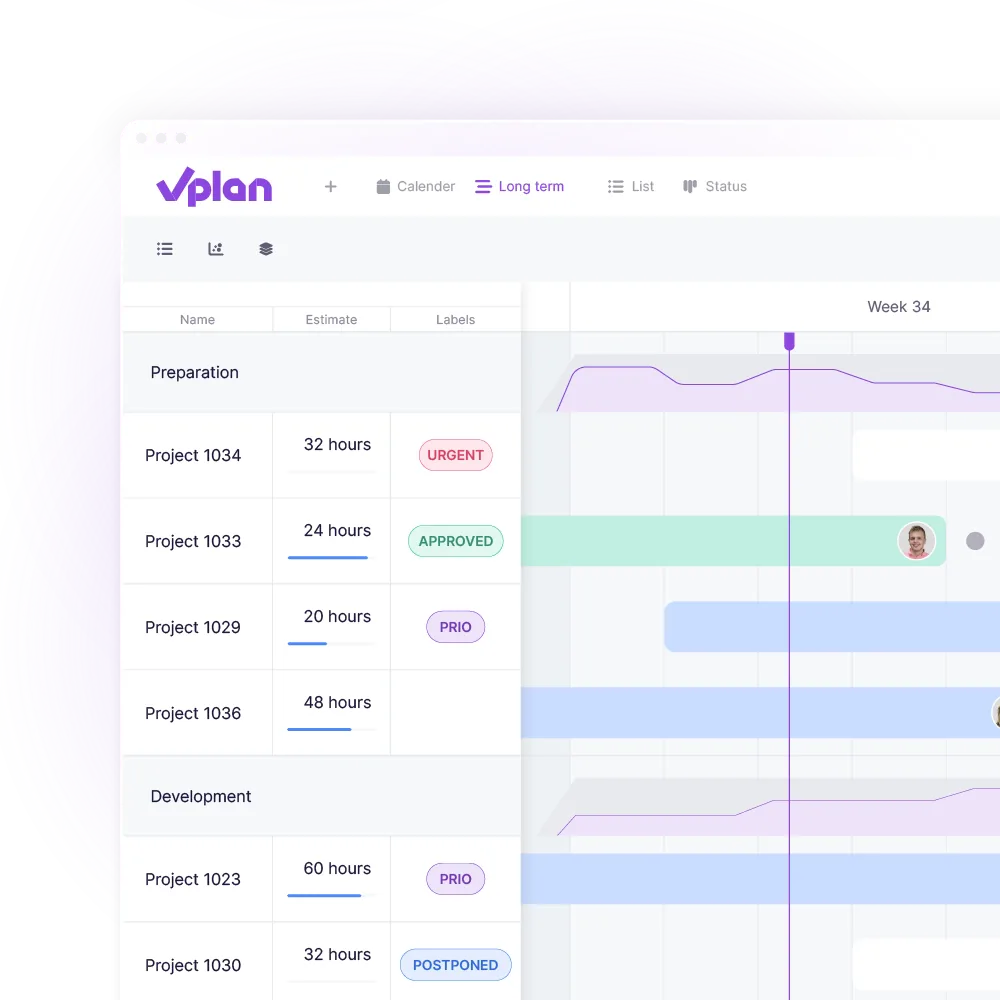
Deadlines are shifting, team members are overwhelmed and you have to make adjustments ad hoc.
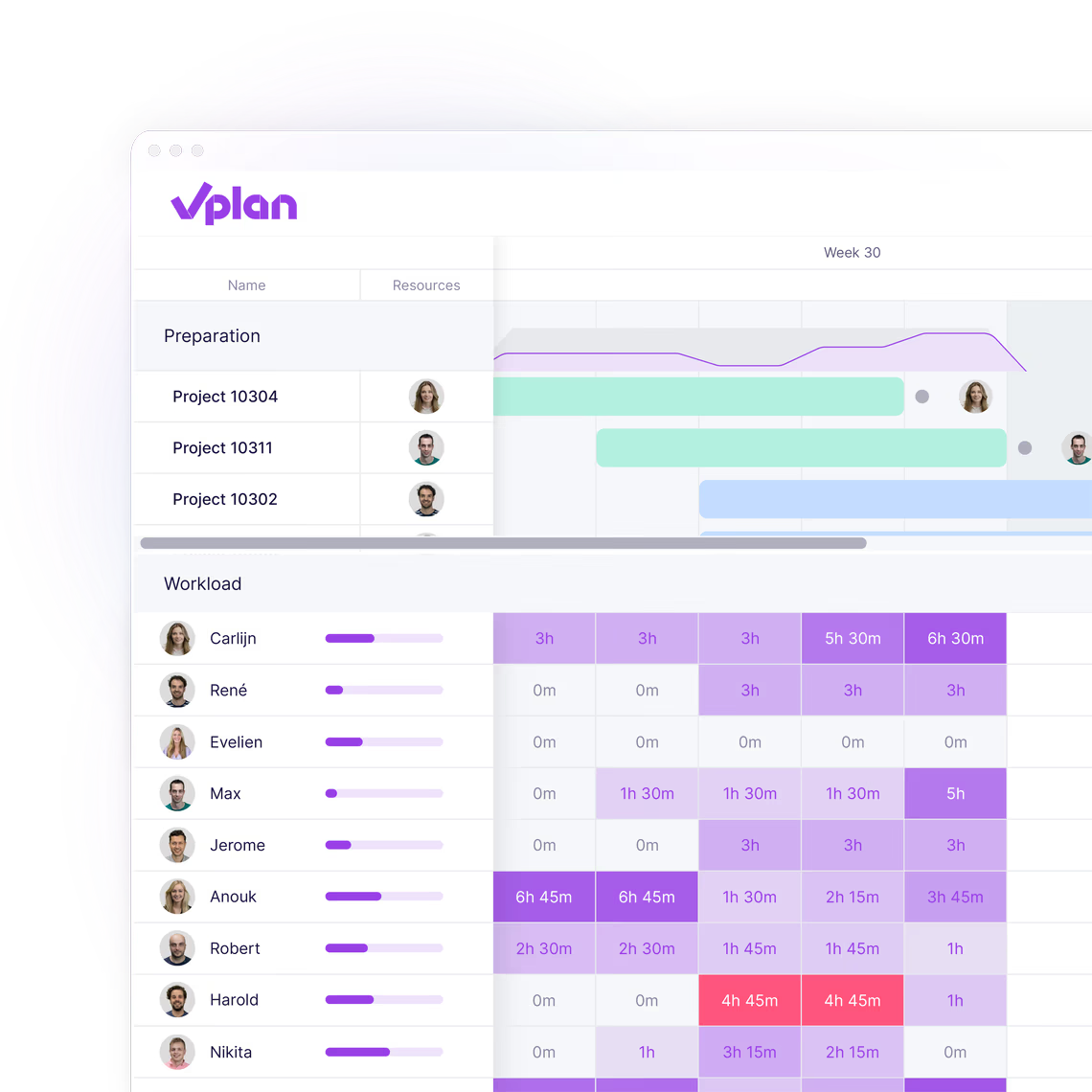
With vPlan, you can see exactly who is available and how much space is left. This way, you can align your project planning with reality, instead of assumptions. This ensures peace of mind and feasibility.
On paper, your planning is correct, but as soon as something changes, no one knows the current state of affairs.
With vPlan, you can easily adjust your planning. Just drag a task to another day or colleague, and your team gets an update automatically. This way, your project planning always stays up to date.

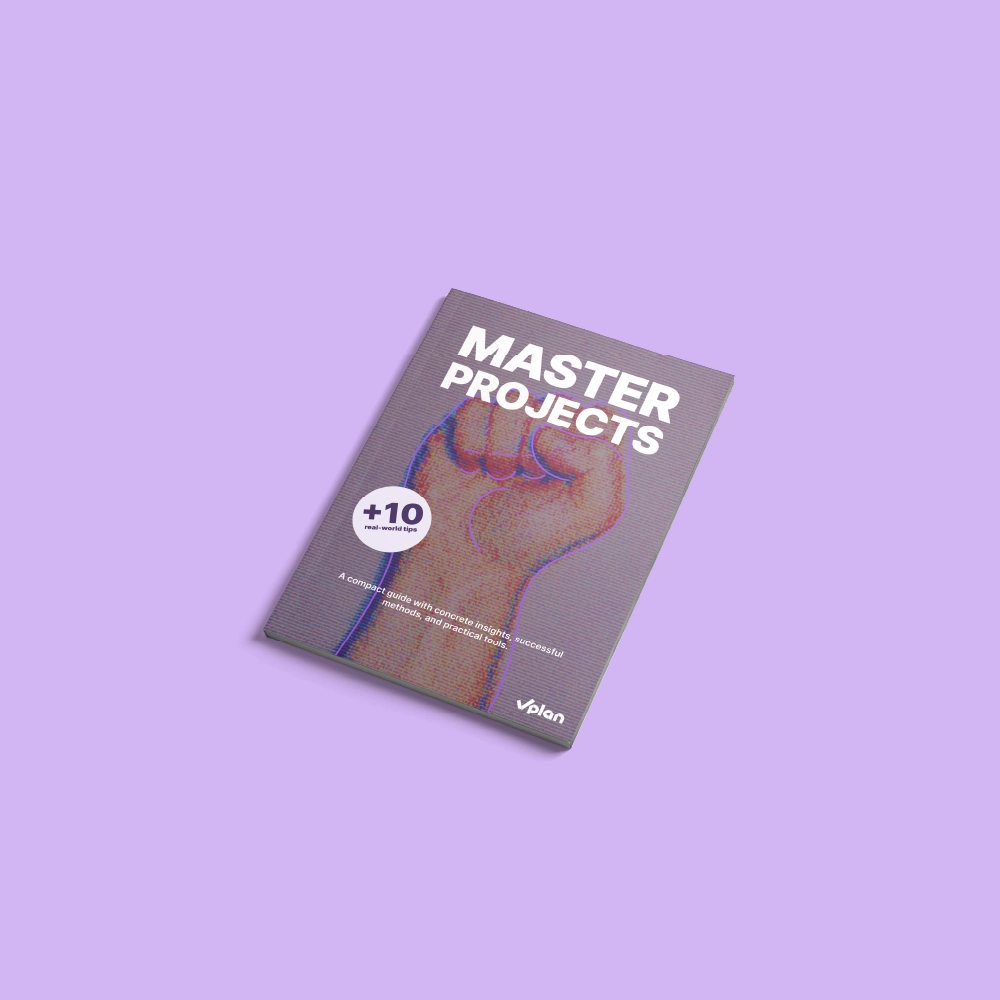
This e-book shows you how to make projects predictable and manageable. With practical checklists, smart tips, and practical examples, you’ll learn how to meet deadlines, use team capacity more effectively, and create a calmer workflow.
Download e-bookRespond directly on tasks, use @mentions, and keep all communication in one place. No more scattered chats or emails.
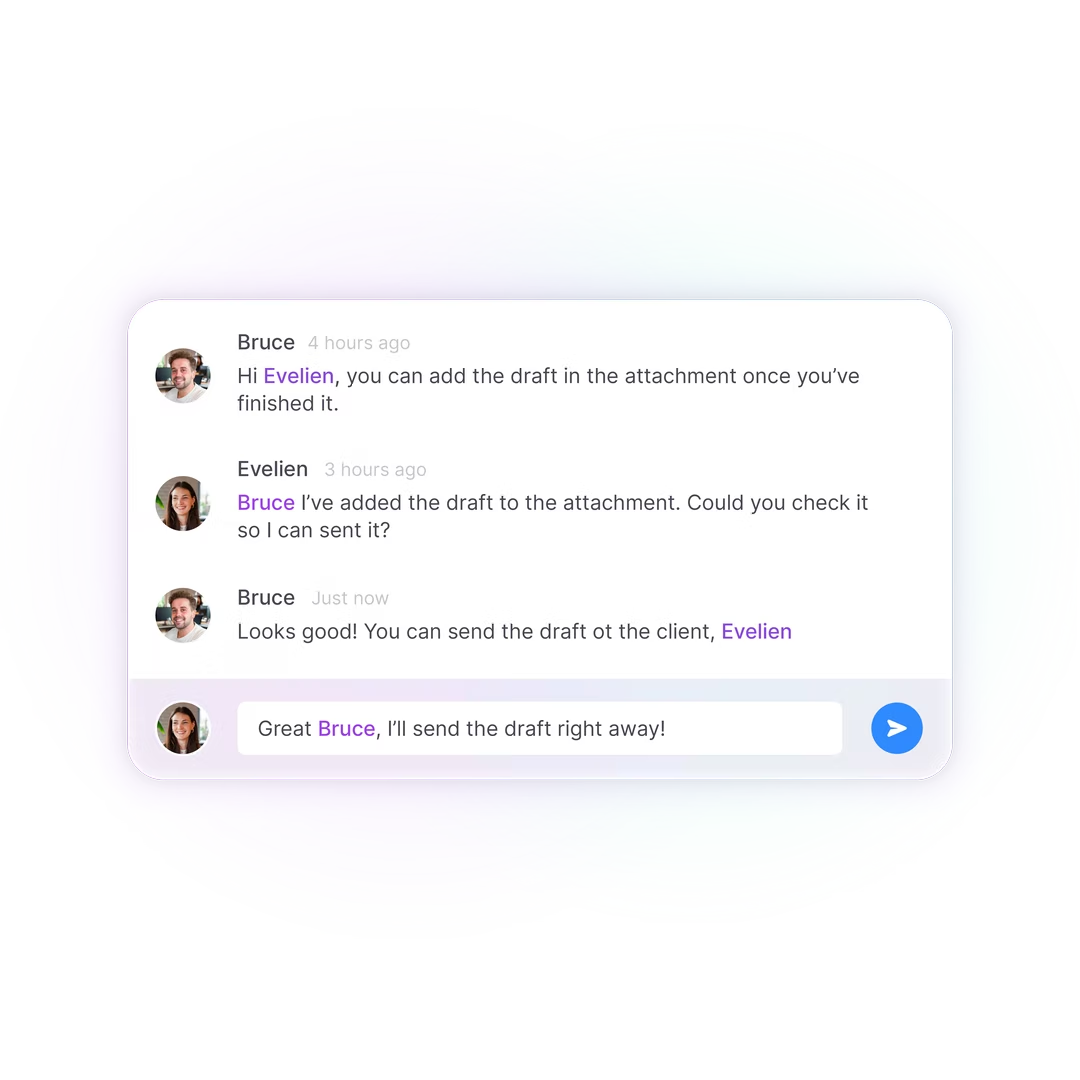
Share views, attach files, and comment by task. This way, everything stays together, in the right context.
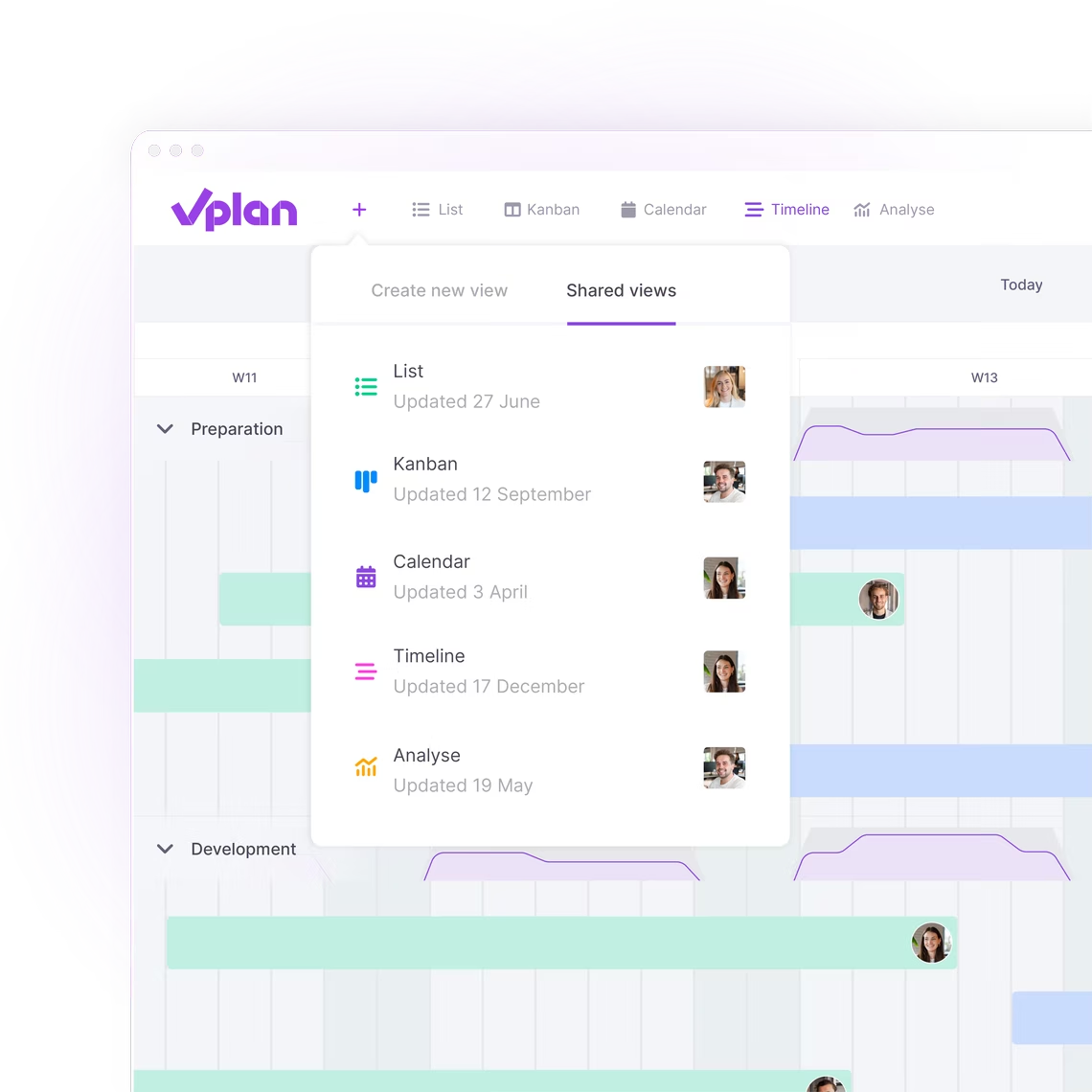
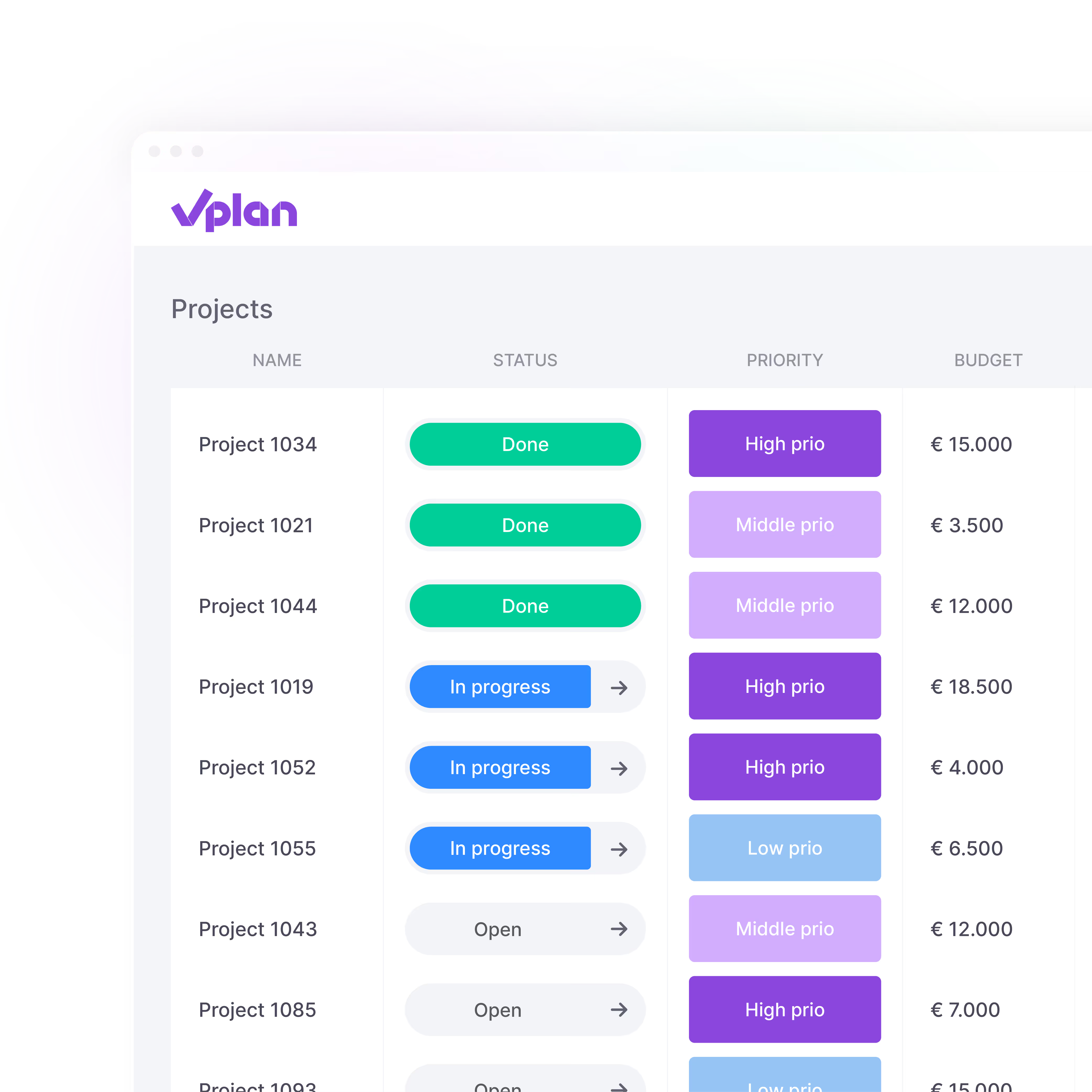
Monitor the status of each component in your project in real time. See what has been completed, what is delaying and where you need to make adjustments.
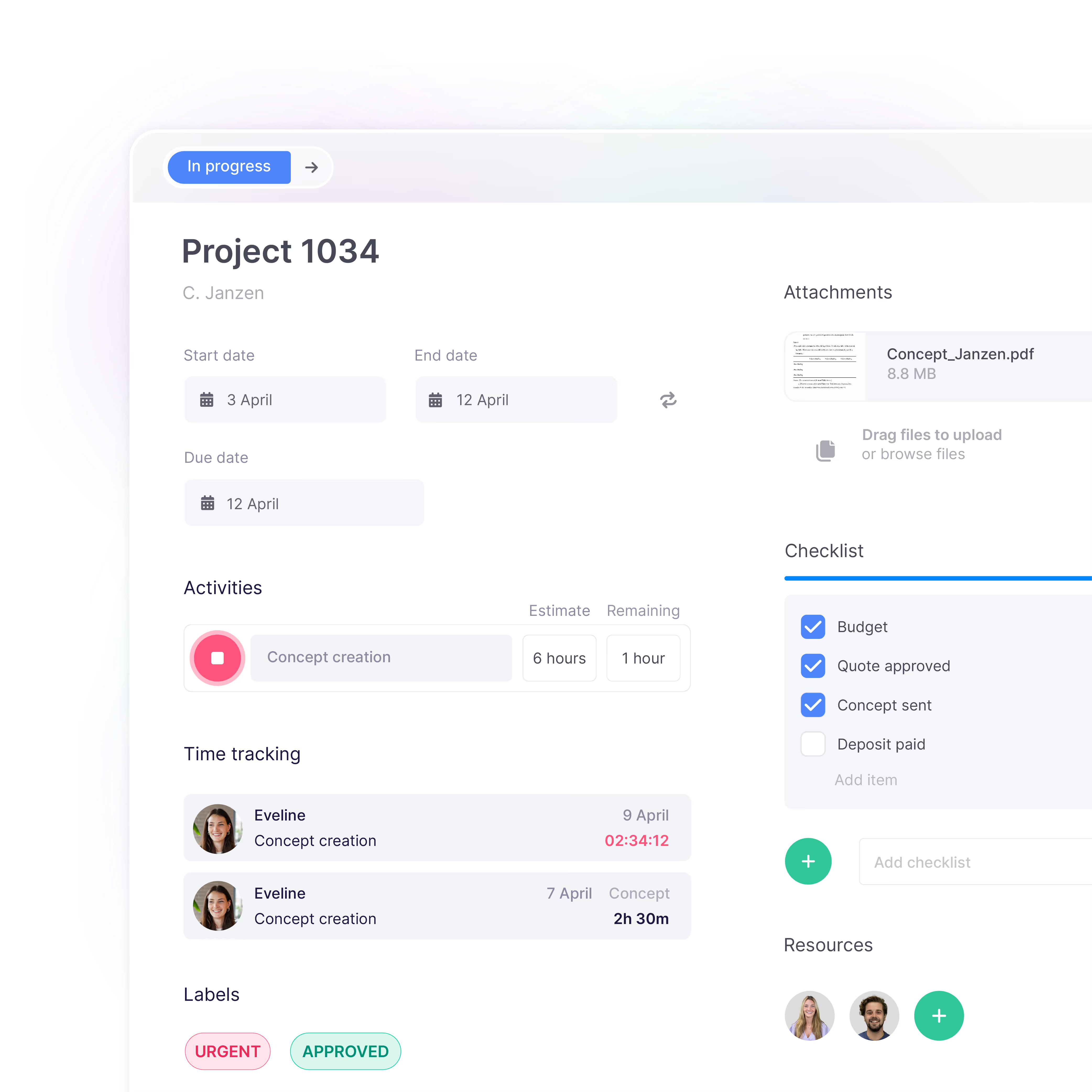
Document all important information. Add files, checklists, or customer details. Everything your team needs is in your planning, all in one place.

“We know exactly what we’re working on, what’s already been done, and what still needs to happen.”

Marnique Assink
Marketing coordinator, Farm Food

Marten van Ruitenburg
Fraanje

“We now have one central place where everything comes together. It provides not only clarity, but also peace of mind.”

“Everyone accesses the same information, which strengthens collaboration and helps prevent errors.”

Stephan
Financial director, Vredehof

“vPlan gives us a clear overview, allowing us to respond quickly and work more productively.”

Romy Groot Obbink
Site producer, Absolutely Fresh

Rob Detert Oude Weme
DDJ

“We don't guess anymore; we know exactly what we can deliver.”

“Standard processes can now be adapted to specific needs without customization, which increases efficiency and improves collaboration.”

Thomas Brunink
Operations Manager, Brunink Group

Wilco de Moet
Smits Vastgoedzorg

“Without vPlan, we wouldn't have been able to grow so fast.”
See for yourself how vPlan helps you collaborate more efficiently, save time, and achieve better results. During the demo, you’ll receive practical insights and answers to your questions.

Project planning means organising the work, the order, and the deployment of people in advance. This way, everyone knows where they stand, misunderstandings are prevented, and deadlines are met without stress.
You create a project plan by breaking your project down into clear tasks, estimating the required time and capacity, and setting deadlines. You determine task dependencies, assign responsibilities, and continuously monitor progress. 👉 Read the full step-by-step guide in our blog Efficient project planning: step-by-step plan for successful project execution.
With vPlan, you plan visually, collaborate in real time, and maintain control over deadlines and capacity. You automate processes, prevent errors, and get dashboards that give you insight into all ongoing projects.
Yes. Your project planning is always available, even on the go. You can work wherever you want via desktop, tablet, or app.
Discover more about the app ->Yes, vPlan is ideal for companies that want to plan multiple projects simultaneously. You can manage all your projects clearly in one central planning board. With smart filters, you can easily zoom in on a specific project, team member, or deadline. This prevents noise, speeds up decision-making, and gives you immediate insight into your total capacity. In addition, you get a clear overview of the progress of all your projects at a glance.